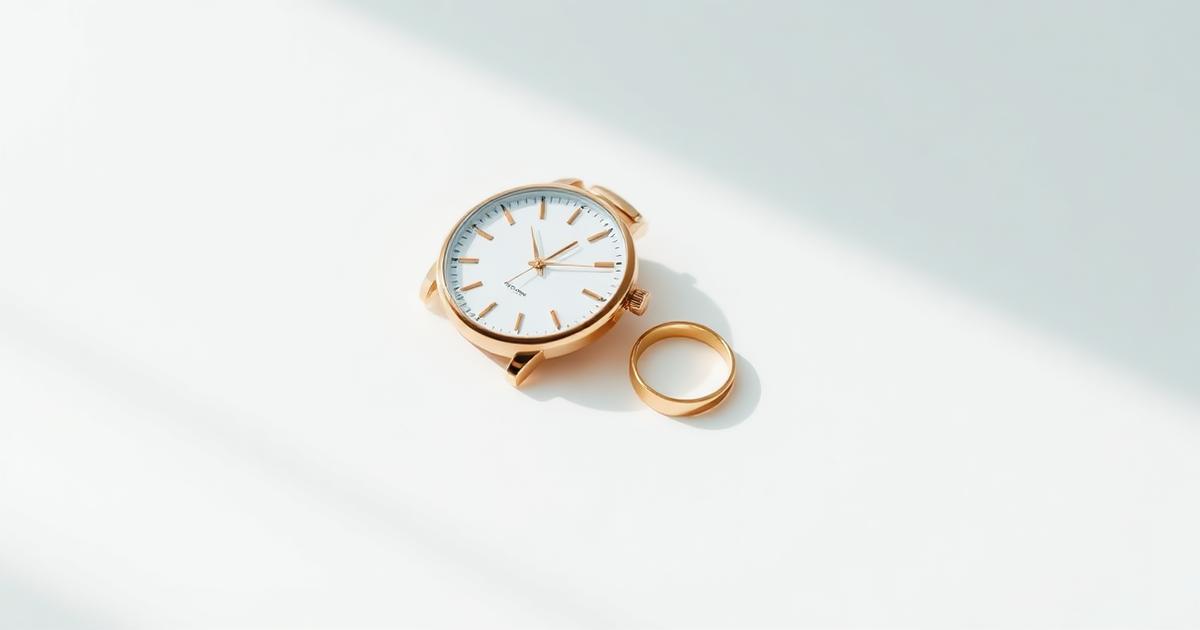
The short answer
Professional jewelry photography requires controlling reflections on polished surfaces and capturing the internal fire of gemstones. Using AI, you can take a clear base photo with your phone and then enhance the lighting, remove unwanted room reflections, and add a premium studio background. The secret is capturing a sharp, clean source image first.
How to handle reflections on metals and glass?
Polished metals and watch crystals act like tiny mirrors, reflecting everything in the room. This often results in dark spots or messy highlights that lower the product's perceived value.
- Diffused Light: Use a softbox or a window with a sheer curtain to avoid harsh white 'hotspots'.
- White Cards: Place white paper around the item to reflect clean light back onto dark metal surfaces.
- Cleanliness: Microfiber cloths are essential; every fingerprint is magnified in the final shot.
- AI Cleanup: Use AI to replace messy room reflections with clean, directional studio light.
How to capture the sparkle of gemstones?
Gemstones need specific lighting to show their 'fire' and facets. Flat lighting makes them look like dull plastic.
- Side Lighting: Direct light from the side to define the facets and edges of the stone.
- Macro Mode: Get close, but ensure your phone is stabilized on a stand to avoid blur.
- Contrast: Use dark velvet or dark marble backgrounds for light-colored stones to make them 'pop'.
- Focus: Always lock focus on the main stone before taking the shot.
What are the best patterns for each product type?
Different jewelry items require different staging and angles to look their best in an online store.
| Product | Best Angle | Styling Tip |
|---|---|---|
| Watches | 45° Side View | Focus on the dial and crown |
| Rings | Top/Front Macro | Shallow depth of field |
| Necklaces | Flat Lay (90°) | Arrange in a natural curve |
| Earrings | Pair Staging | Ensure symmetrical lighting |
For more staging ideas, check our store image specs guide to see what top platforms like Noon or Amazon prefer.
How to ensure authenticity in AI jewelry photos?
While AI improves the 'vibe', it must not alter the physical product. Accuracy is key to avoiding customer disputes and high return rates.
- Color Accuracy: Gold should look like the specific karat sold (yellow, white, or rose).
- No Fake Gems: Never let AI add stones or carvings that don't exist on the real item.
- Consistent Lighting: Ensure the shadow matches the light source in the generated scene.
- Related Guide: Learn about product images and conversion rates for higher sales.
Frequently asked questions
Why do my jewelry photos look dull?
Metals reflect their surroundings. If your room is gray and dim, the metal will look gray and dim. Use white reflectors and bright, diffused light to create shine.
Is it okay to use AI for high-end watches?
Yes, as long as you use it to enhance the environment and lighting. Do not let AI regenerate the dial or brand logo, as this ruins authenticity.
What is the best background for jewelry?
Plain white is best for catalog shots. For social media, marble, silk, or dark velvet backgrounds add a luxury feel and increase contrast.