The short answer
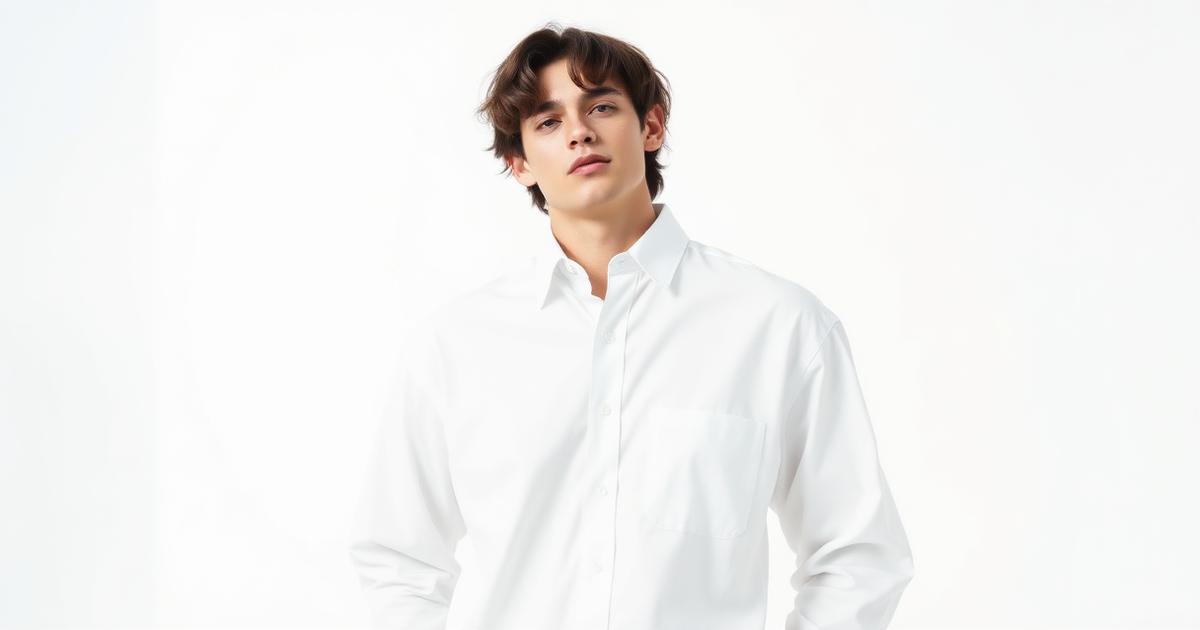
You can showcase clothing on AI models by uploading a clear flat lay or mannequin photo to an AI studio like Vilabs360. The AI then wraps the garment onto a virtual model, preserving the original fabric details and cut while creating a professional studio-quality image.
This process eliminates the need for expensive photo shoots and long waiting times. You can generate multiple angles and backgrounds in minutes, allowing you to launch new products almost instantly.
How do I prepare my clothes for AI?
The quality of the AI model photo depends entirely on the source image you provide. Start with a high-resolution photo taken in even, natural lighting to ensure the AI can replicate every detail.
- Use a solid, neutral background (white or gray) to isolate the garment.
- Ensure the garment is flat and wrinkle-free to show the true cut and shape.
- Capture all details like logos, textures, and buttons clearly without shadows.
- Avoid cropping the edges of the garment in the source photo.
How to choose the right AI model style?
Select a model and background that match your brand identity and target audience. The goal is to make the product look relatable to your specific customers.
- Choose the model's ethnicity, age, and pose to resonate with your audience.
- Match the lighting to the intended use (studio light for web, natural light for social).
- Pick a background context like a clean studio or an urban street setting.
- Maintain a consistent style across your entire store for a professional look.
How to ensure quality and realism?
Review every generated image against the physical garment to maintain customer trust and reduce return rates. AI is fast, but human oversight is necessary for the final polish.
- Check that colors match the actual product precisely to avoid disputes.
- Verify that logos and patterns are not distorted, blurred, or missing.
- Ensure the model's limbs, fingers, and proportions look natural and anatomically correct.
- Add at least one real photo of the garment in your product gallery for transparency.
Can I use these images for ads?
Yes, AI-generated model photos are ideal for high-converting social media ads and store banners. They allow you to test different visuals at almost zero extra cost.
- Generate multiple angles (front, side, back) to give buyers a complete view.
- Use different backgrounds for seasonal campaigns without new photoshoots.
- Export in standard sizes like 1:1 square for Instagram or 9:16 for TikTok/Reels.
Frequently asked questions
Do I need a real model for the source photo?
No. A clear photo of the item (flat or on a mannequin) is enough to generate a model photo showing that same item.
Do I own the rights to the AI photos?
Yes, images generated from your original photos belong to you and can be used commercially under our terms.
What is the best size for online stores?
A 1:1 square at 1080×1080 is the standard for most platforms, but you can export other sizes as needed.